Filters

Price

Release date

%% resultCountLabel %%

%% enabledFiltersCount %%

How to activate a Rockstar product on PC

1. Tot snel op https://socialclub.rockstargames.com/rockstar-games-launcher

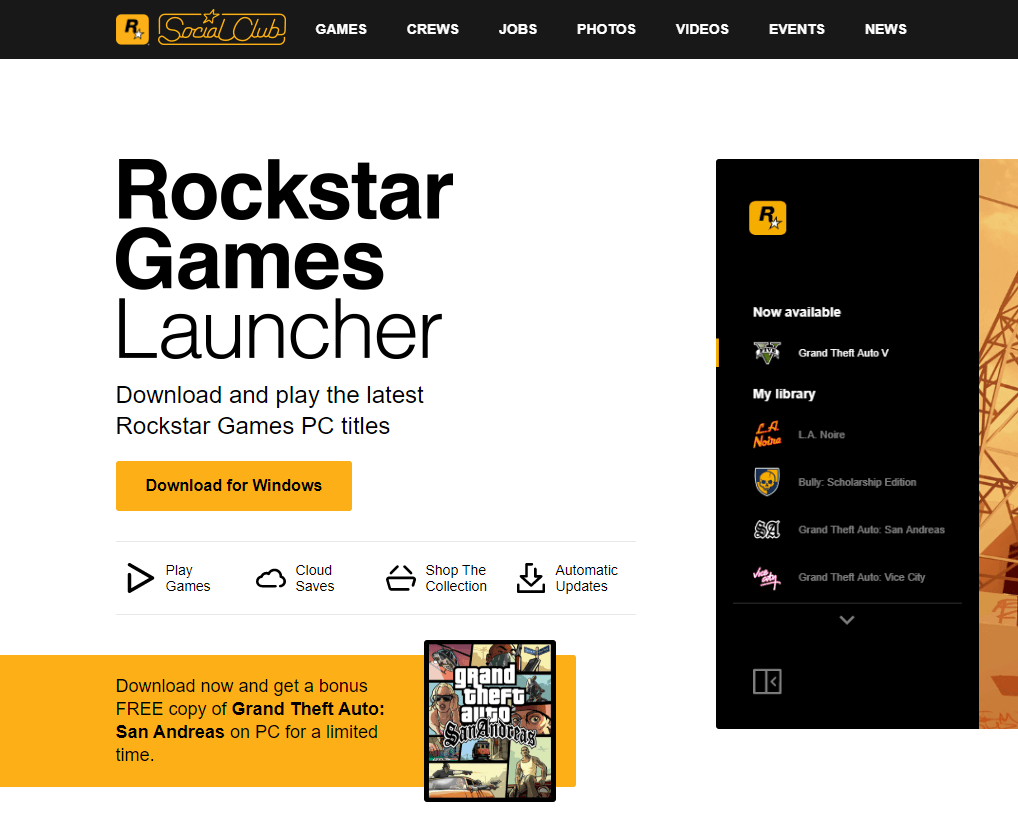
2. Download and install Rockstar Launcher.

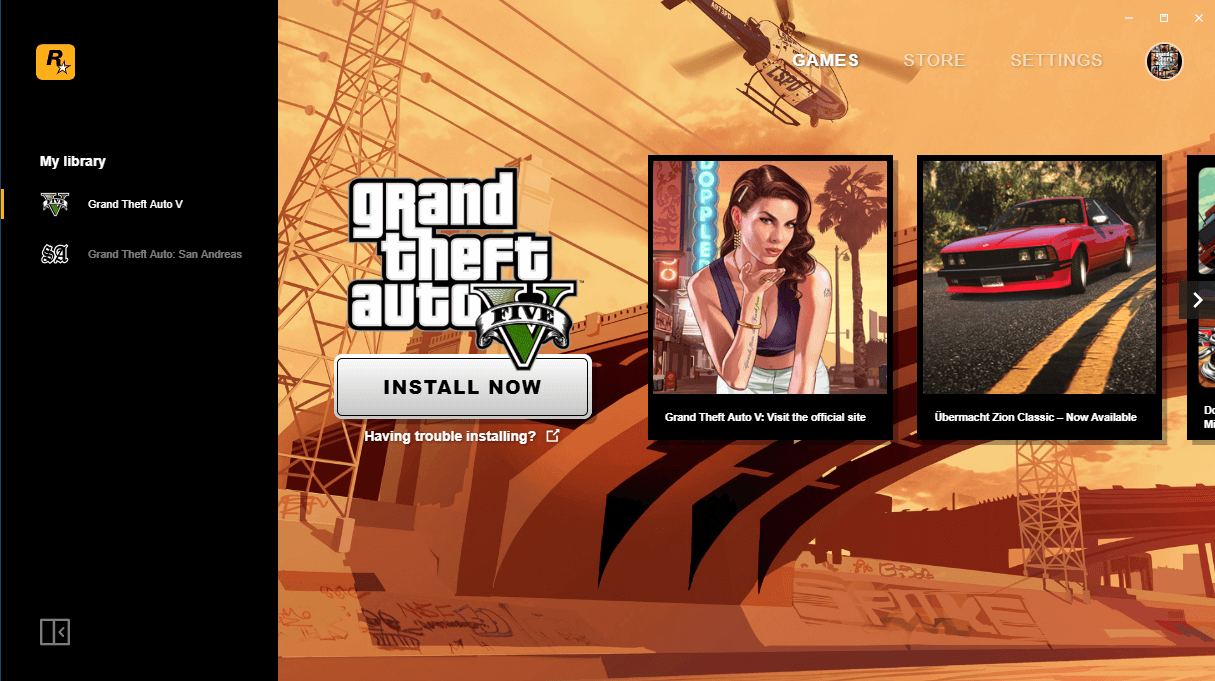
tutorial Rockstar PC 1

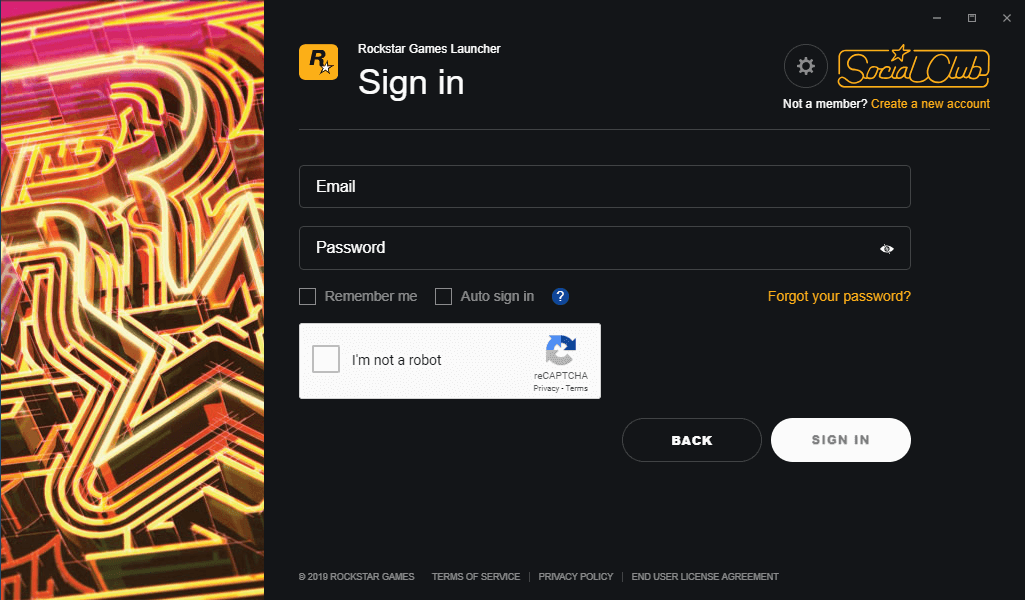
3. Once the client is installed and has started, log in with your username / password (create one if needed).

tutorial Rockstar PC 2

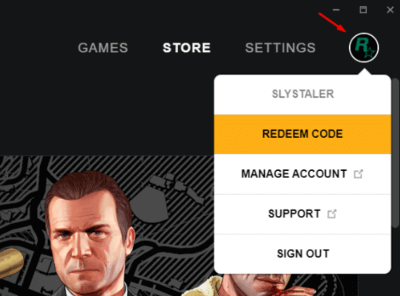
4. Click at the top right on the tab "Store" then "Activate a code".

tutorial Rockstar PC 3

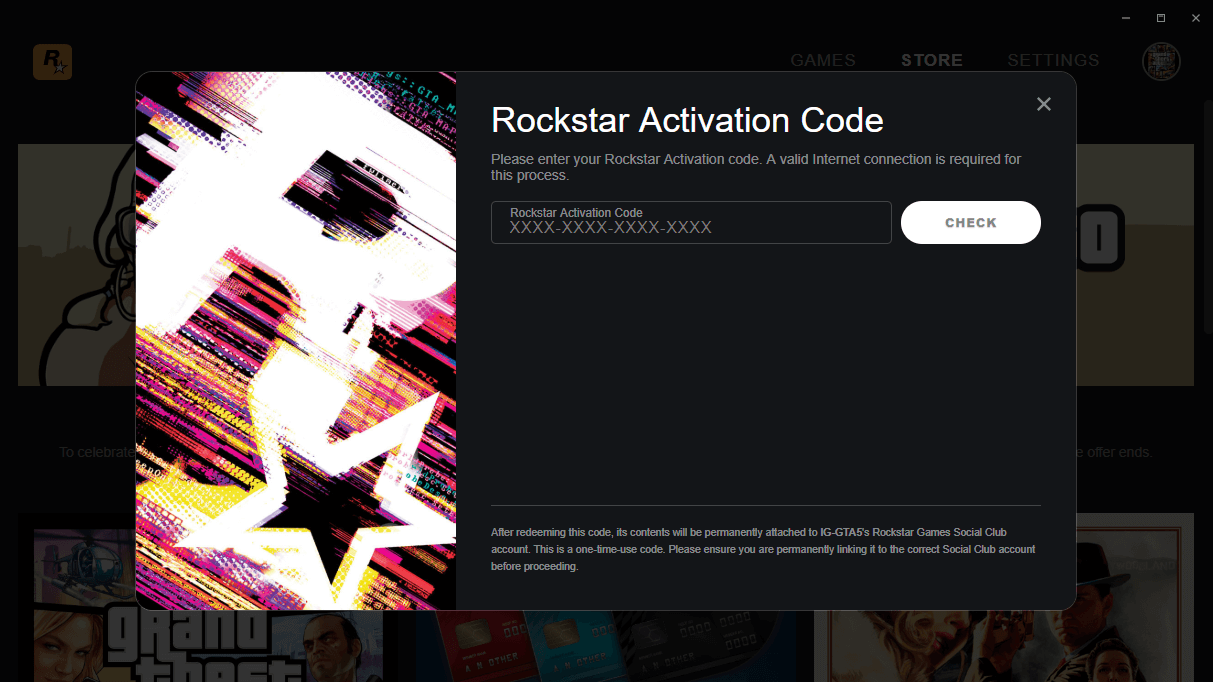
5. Validate the code you received :

tutorial Rockstar PC 4

6. Your game is now activated and can be downloaded using the Rockstar downloader.

tutorial Rockstar PC 5