Filters

Price

Release date

%% resultCountLabel %%

%% enabledFiltersCount %%

How to activate a Epic Games product on PC

1. Go to https://www.epicgames.com/

2. Download the Epic Games Launcher clicking on the blue button that you can find on the top right corner of your screen

Epic Games PC tutorial 1

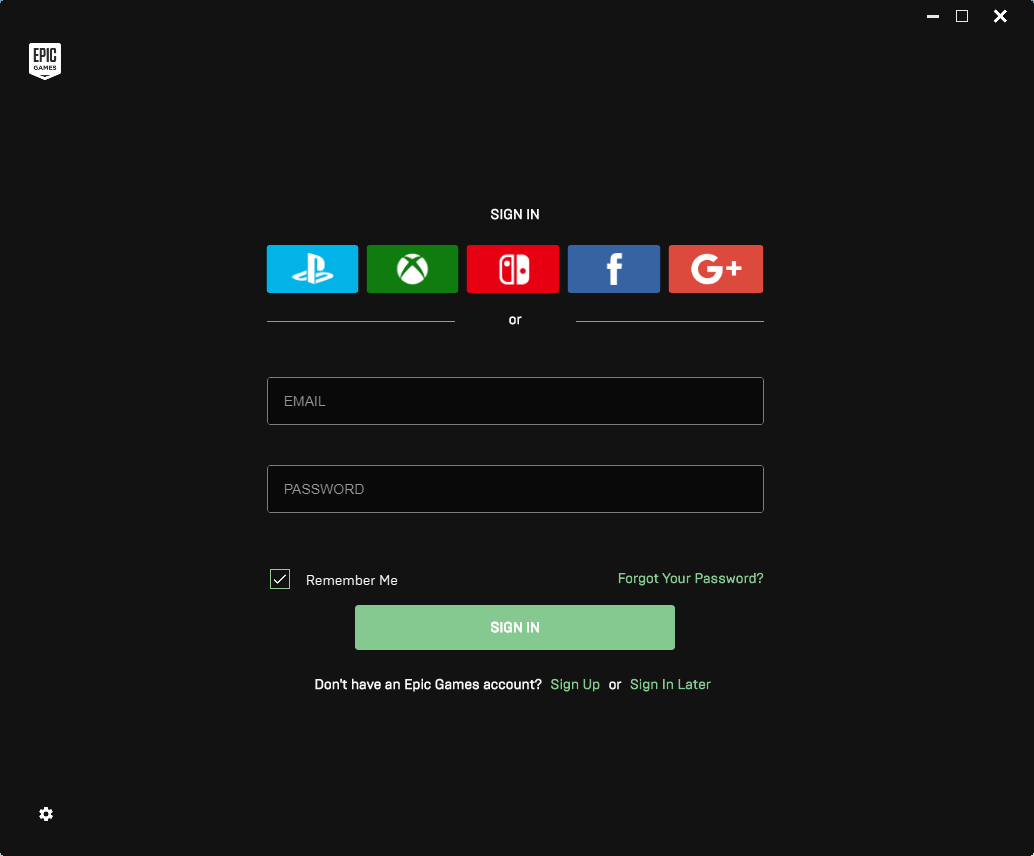
3. Once installed, launch it and log in or sign

Epic Games PC tutorial 1

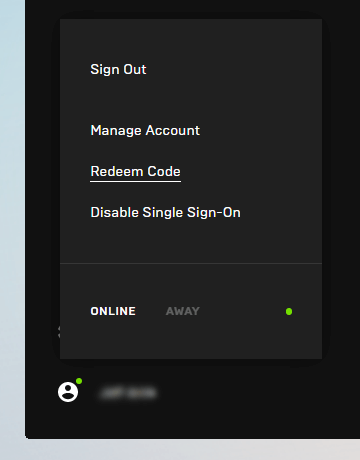
4. On the bottom left corner, click on your username and after on “Redeem Code”

Epic Games PC tutorial 1

5. Redeem the code that Instant Gaming gave you and that you have in “my orders” section

Epic Games PC tutorial 1

6. Come back to the “Library” tab. Your new game is available and ready to install

Epic Games PC tutorial 1